
What Is AI Object Removal?
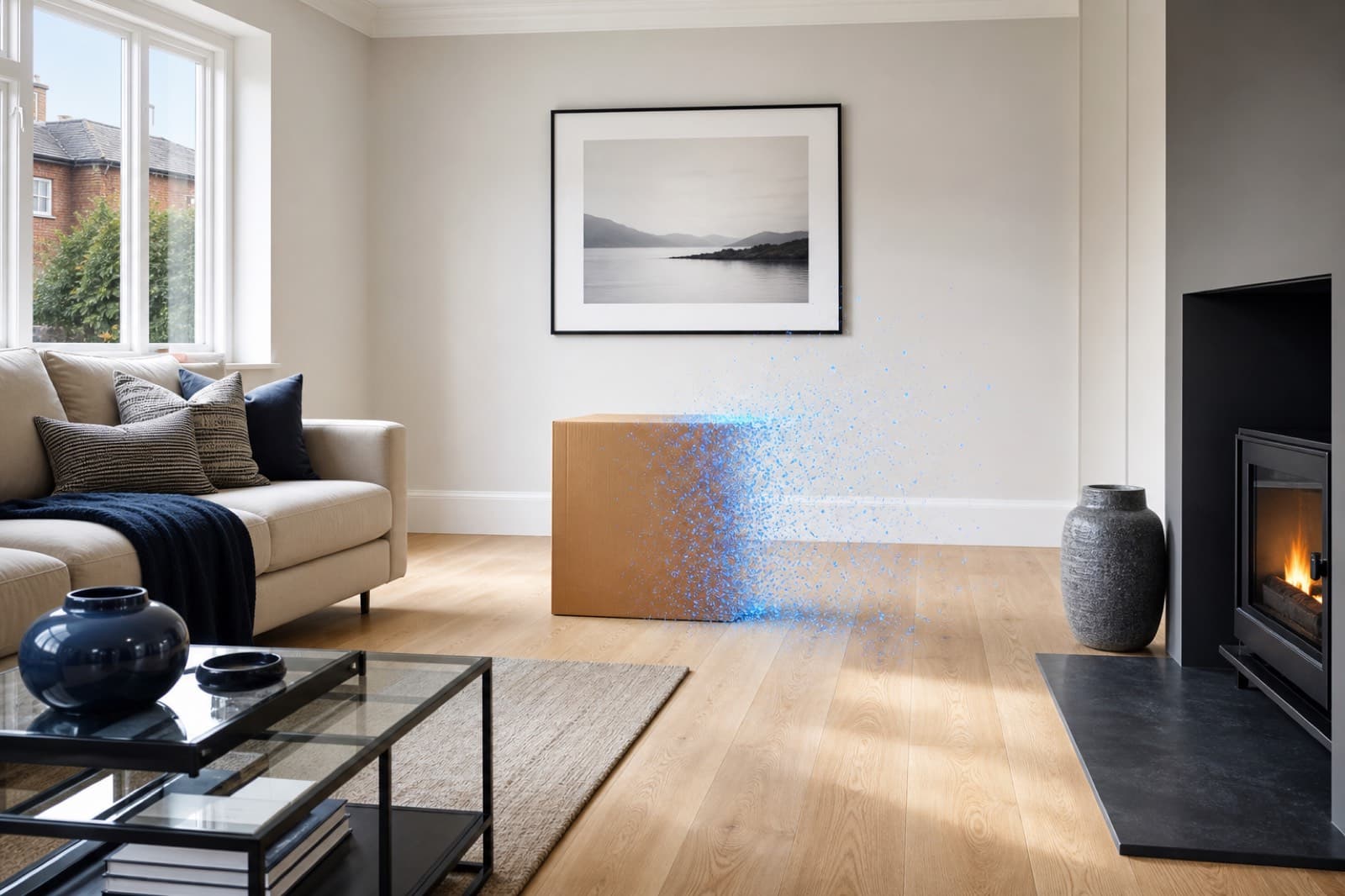
AI object removal deletes unwanted things from a photo and rebuilds the background behind them. Here is how it works and why it transforms property photos.
Key Takeaways
- AI object removal deletes objects and rebuilds the background behind them.
- It learns from real scenes, so removals look natural, not patched.
- It is far faster than manual Photoshop editing and needs no skill.
- For property, it clears clutter, cars, bins, people, cables and reflections.
- Only movable objects should be removed — not permanent features or defects.
AI object removal is one of the most useful advances in photo editing for property marketing. It takes a task that used to require Photoshop skill and minutes of careful work — deleting an unwanted object from a photo — and does it in seconds, automatically.
How AI object removal works
When you remove an object from a photo, the hard part is not deleting it — it is working out what should appear in its place. Older tools like the clone stamp and content-aware fill copy nearby pixels to fill the gap, which often leaves visible smudges, repeated patterns or warped edges.
AI object removal works differently. The model has learned from millions of real images what rooms, streets, floors, walls and skies actually look like. So when you mark an object for removal, it reconstructs a believable background based on the whole scene, not just the pixels next to the object.
Why it matters for property photos
Property photos are full of distractions: clutter on worktops, a car on the driveway, a wheelie bin by the door, the photographer reflected in a window. Each one pulls attention away from the property and makes a listing look less professional.
AI object removal clears these in seconds, so the focus stays on the space itself. For estate agents and photographers, that means cleaner lead images, more clicks and a higher standard of marketing on every listing — not just the premium ones.
What you can remove
- Clutter and personal items on surfaces and floors
- Furniture, including emptying a whole room
- Cars on driveways and in street scenes
- Wheelie bins, recycling boxes and rubbish
- People, pets and photographer reflections
- Cables, wires and overhead power lines
Doing it responsibly
AI object removal should tidy a scene, not mislead a buyer. Removing movable clutter, bins and cars is accepted, standard practice. Removing or hiding permanent structural features or defects is not — that crosses into misrepresentation. Used responsibly, AI object removal simply presents a property at its honest, tidy best.
Frequently Asked Questions

PhotoClear Editorial
Property Marketing Editorial
Researched, practical guides on AI photo cleanup, virtual decluttering and property marketing for the UK and beyond.
Clean up your property photos with AI
Put this guide into practice. Remove clutter and distractions from your photos in seconds. Try PhotoClear free.
10 free credits on sign-up · No card required
Related Articles
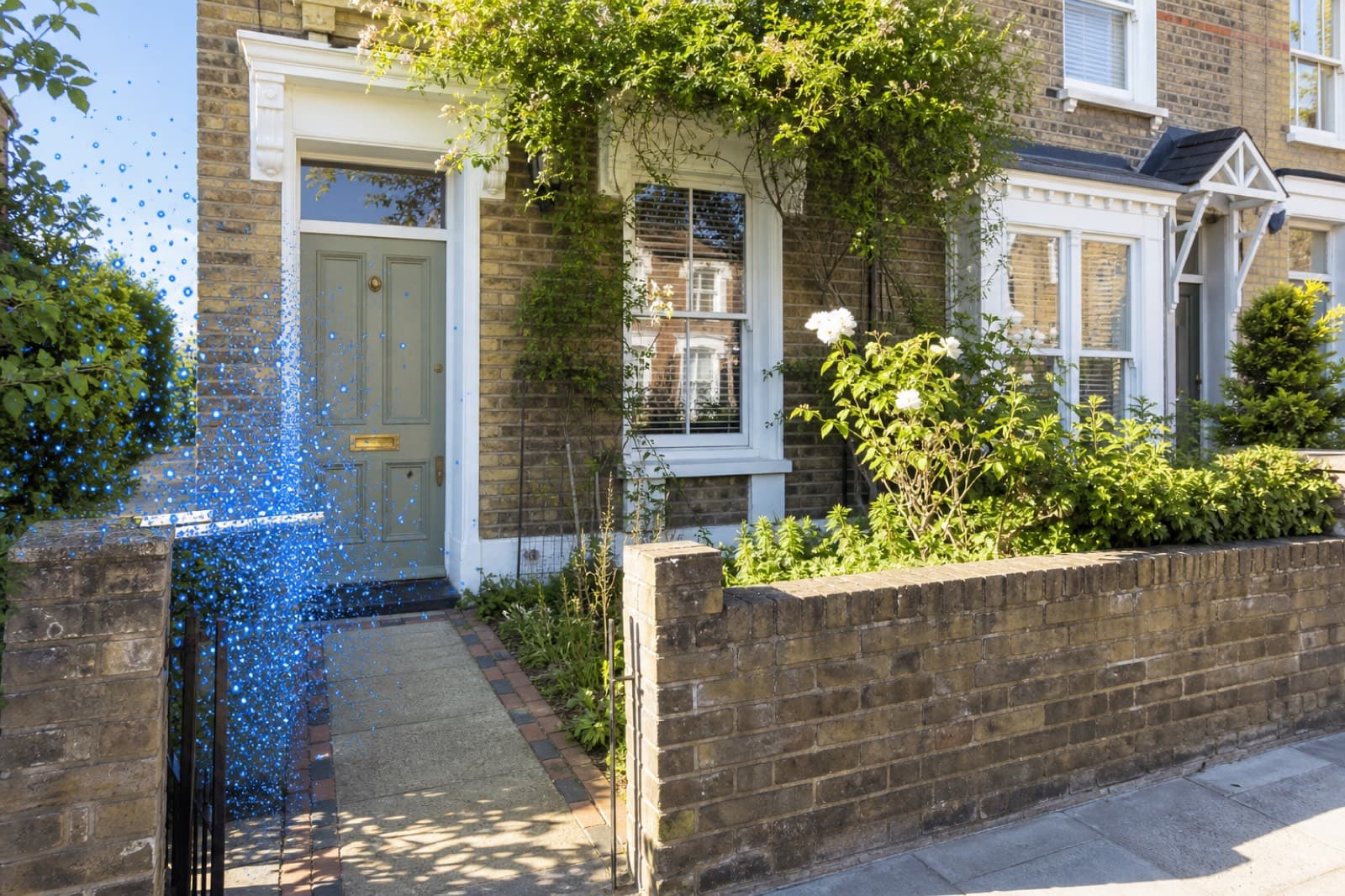
How To Remove Wheelie Bins From Property Photos
How to remove wheelie bins and rubbish from property photos with AI, for a tidy frontage and a stronger lead image.
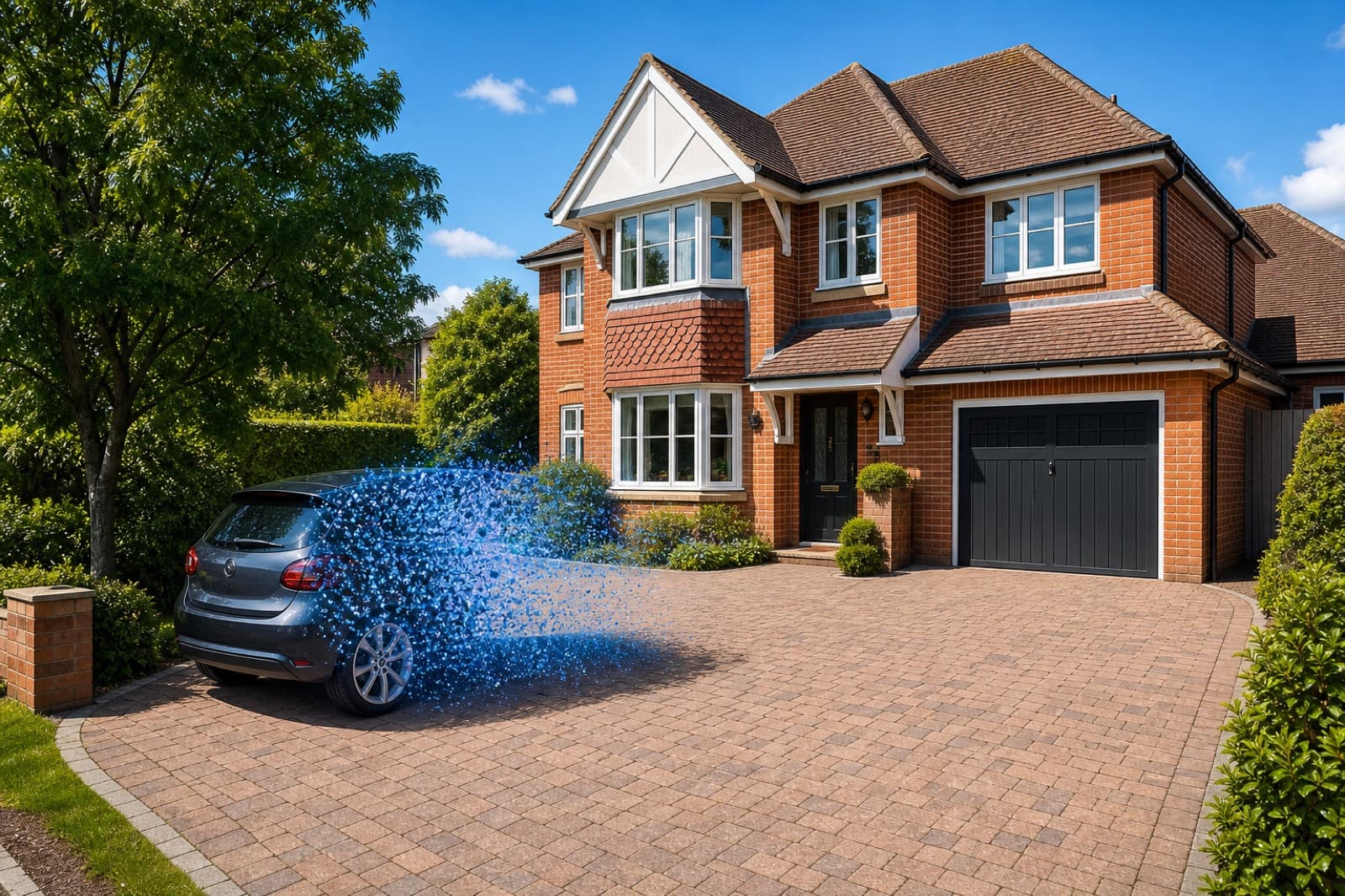
How To Remove Cars From Driveway Photos
How to remove cars from driveway and street-scene photos with AI, and rebuild a clean exterior in seconds.
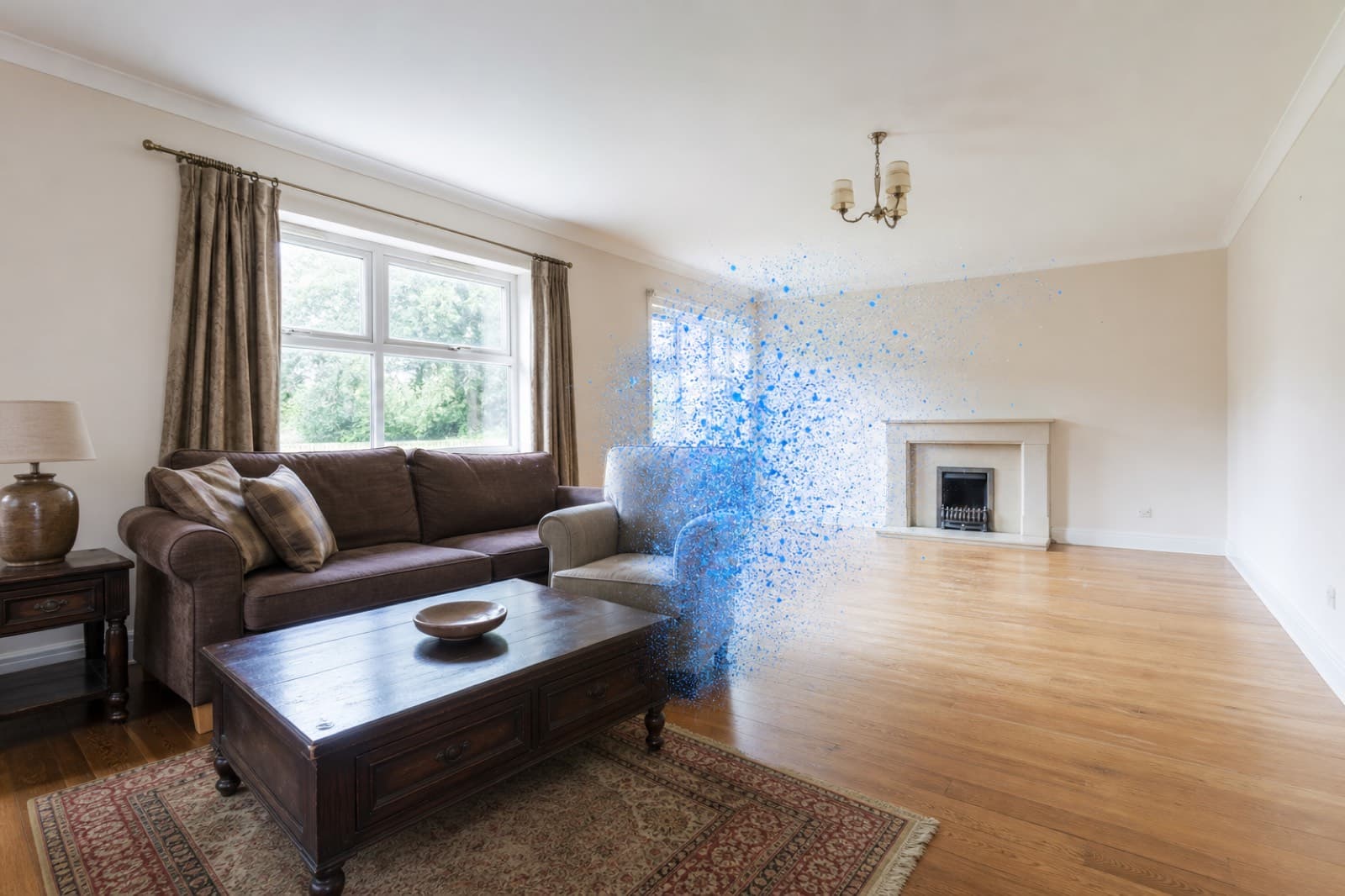
How To Remove Furniture From Property Photos
How to remove furniture from property photos with AI — empty a whole room or delete dated pieces, then stage it.