
How To Remove Wheelie Bins From Property Photos
How to remove wheelie bins and rubbish from property photos with AI, for a tidy frontage and a stronger lead image.
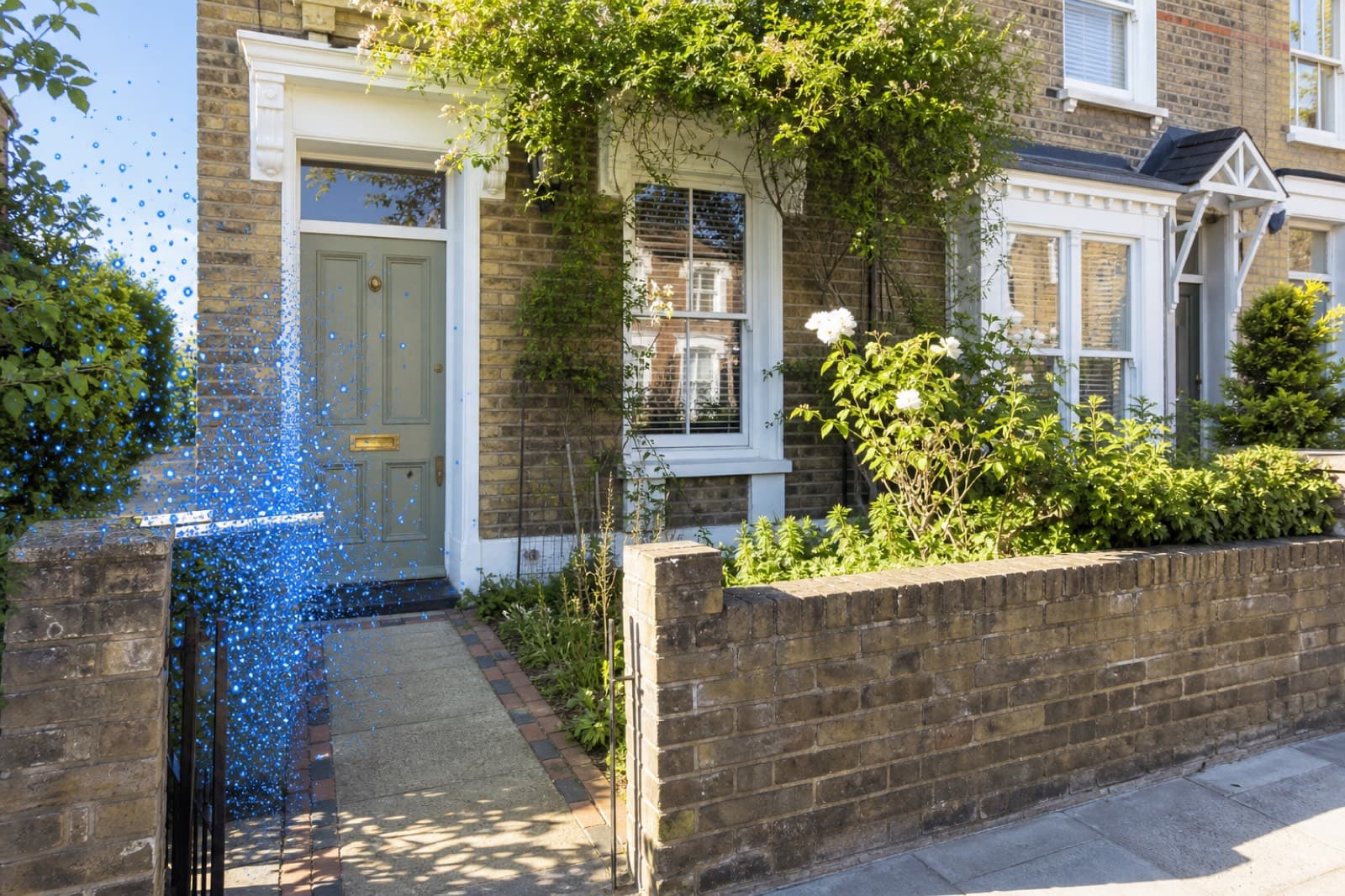
Key Takeaways
- AI removes wheelie bins, recycling boxes and rubbish in seconds.
- It rebuilds clean paving, path or kerb behind the bins.
- A tidy frontage creates a stronger first impression on portals.
- There is no need to move bins on collection day before a shoot.
- It pairs with car and sign removal to clean a whole frontage.
Wheelie bins are one of the most common eyesores in exterior property photos. Left on the kerb or by the front door — especially on collection day — they cheapen the lead image instantly. Here is how to remove them with AI.
Step by step
- Upload the exterior photo. Drag it into an AI cleanup tool like PhotoClear.
- Brush over the bins. Mark the wheelie bins, recycling boxes, caddies and any rubbish.
- Let the AI clear them. The bins are removed and the paving, path or kerb is rebuilt behind them in seconds.
- Download and publish. Save the clean, tidy frontage for the portal.
No more bin-day reshoots
The practical win is that you no longer have to drag bins out of shot before every exterior, or reschedule because it is collection day. Shoot the property and tidy the frontage afterwards.
Why a tidy frontage matters
The lead image is the single biggest factor in whether a buyer clicks your listing. A frontage cluttered with bins looks uncared-for; a clean one looks well-presented and lifts kerb appeal. It is a small change with an outsized effect on first impressions.
Clean the whole frontage
Bins rarely appear alone. The same shot often contains a parked car, a for-sale board or street signage. A good AI cleanup tool removes all of it in one pass, so you can clean the entire frontage and rebuild paving, driveway and road in a single edit.
As with all editing, remove movable clutter like bins — but keep the image true to the property's permanent features.
Frequently Asked Questions

The PhotoClear Team
AI Photo Cleanup Specialists
The PhotoClear team builds AI photo cleanup tools that help estate agents, photographers, developers and hosts remove clutter and distractions from property photos in seconds.
Clean up your property photos with AI
Put this guide into practice. Remove clutter and distractions from your photos in seconds. Try PhotoClear free.
10 free credits on sign-up · No card required
Related Articles
How To Remove Cars From Driveway Photos
How to remove cars from driveway and street-scene photos with AI, and rebuild a clean exterior in seconds.
How To Remove Furniture From Property Photos
How to remove furniture from property photos with AI — empty a whole room or delete dated pieces, then stage it.

Best AI Object Remover For Real Estate
What to look for in an AI object remover for real estate photos, and why a property-specific tool beats a generic one.